Memberships for easy pay & play

Make your website the hub where customers choose their membership, pay instantly, and start booking your spaces. Customize your memberships by setting up rules, rates, and permissions for each type of member.

The fast track to play

1
Customer visits site

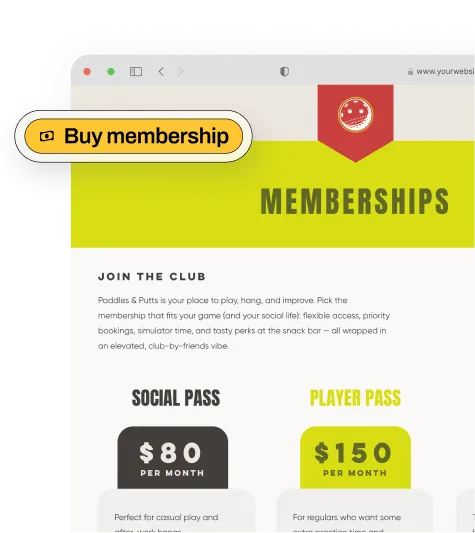
One-click membership purchase links

With AllBooked, each membership comes with a one-click purchase link you can place on your website. One click sends them straight to checkout.
2
Purchases membership

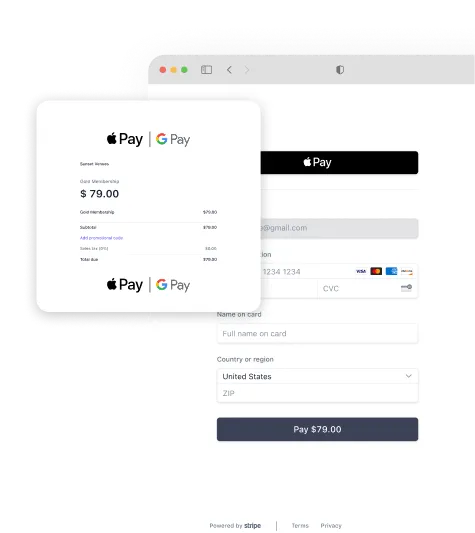
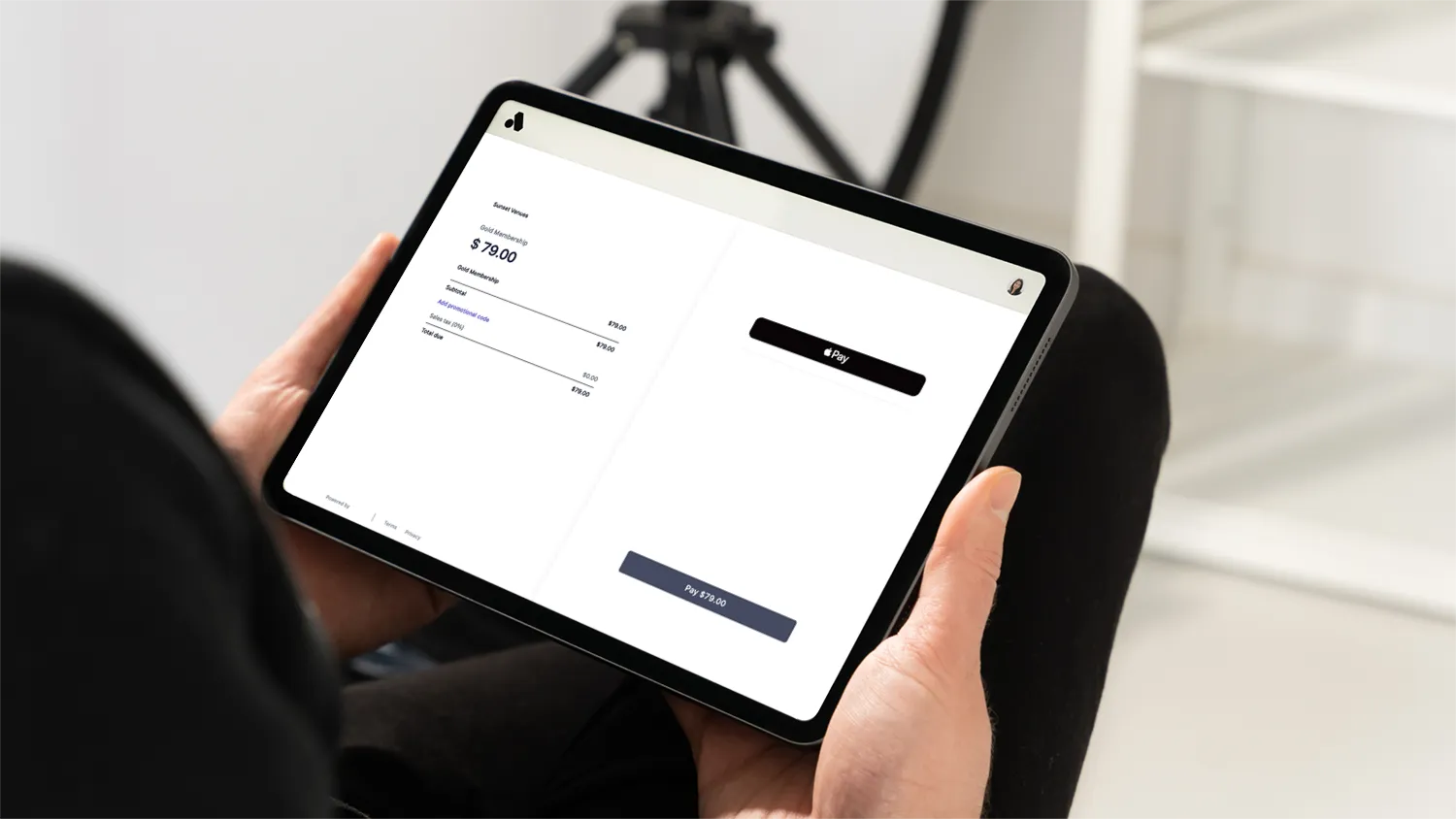
Seamless, secure checkout experience

Customers pay to subscribe to their membership. Payment details save to your account automatically, saving you manual payment work.
3
Able to book right away

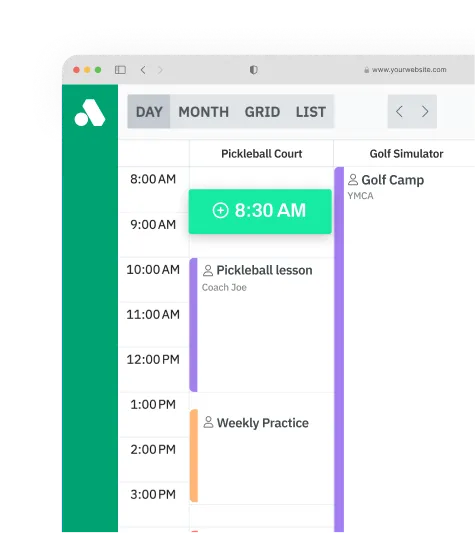
Easy space booking with configurable membership rules

After checkout, members are able to book spaces right away, with any membership rules, rates, and access you've set up enforced. Once set up, memberships will automatically renew until cancelled.

Customizable member rules, prices, and more

Customize your memberships by setting your rates, access, billing cycle, and rules, then let AllBooked apply those rules to your members.
On
Monday
Tuesday
Wednesday
Thursday
Friday
Saturday
Sunday
Monday
Tuesday
Wednesday
Mon, Tues, Wed
Thursday
Friday
Saturday
only
Staff
Guests
Silver members
Gold members
Bronze members
Personal trainers
Coaches
Staff
Guests
Silver members
Gold members
Bronze members
Personal trainers
Coaches
can book before
2:00 PM
3:00 PM
4:00 PM
5:00 PM
6:00 PM
7:00 PM
6:00 AM
7:00 AM
8:00 AM
9:00 AM
10:00 AM
11:00 AM
12:00 AM
1:00 PM
Learn more
Learn more

Curious what you could earn with AllBooked?

PAYOUTS
Date
Status
Destination
Jan 19
BANK ****0345
Jan 19
BANK ****2066
Jan 19
BANK ****9471

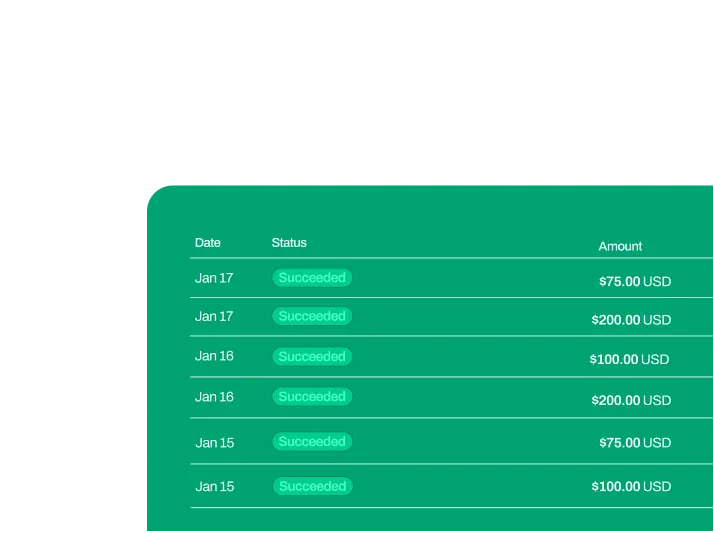
Recurring revenue with less admin

Set your rules once for memberships, and AllBooked takes it from there. Members are billed automatically on the cycle you choose, monthly or annually, and their permissions apply when they book. The payoff? Steady revenue with less ongoing work.

FAQs

Everything you need to know about membership bookings, all in one place. Read on for answers to our most frequently asked questions.
What are memberships in AllBooked?

Memberships in AllBooked let you give customers special access, pricing, or perks based on the tier they purchased. Customers can benefit from these special rates or rules whenever they book a space, and each membership is charged on a recurring basis.

How do members purchase or join?

Members can sign up for a membership anywhere you share the signup link, whether that’s your website, social pages, or messages you send out. They pick a tier, complete payment, and then are able to book your spaces.

What membership billing cycles do you offer?

You can offer monthly or annual billing for any membership tier. Each plan renews automatically, giving you consistent recurring revenue, and giving members uninterrupted access to the perks they signed up for.

What do members see when they book?

They’ll see only the booking options their membership allows, since AllBooked automatically enforces the rules you’ve set for their tier to their profile.

Can I limit memberships to certain offerings?

They’ll see only the booking options their membership allows, since AllBooked automatically enforces the rules you’ve set for their tier to their profile.

What payment processor does AllBooked's memberships functionality use?

AllBooked's memberships functionality is powered by Stripe.

Success stories

See the real results from customers who transformed their booking operations.

Liberty Hill Athletics

“AllBooked gives us steady, predictable income because we’re able to set booking window rules based on membership tags.”

Start your free trial.

Get started

Need help?Let’s talk.

Get expert advice