
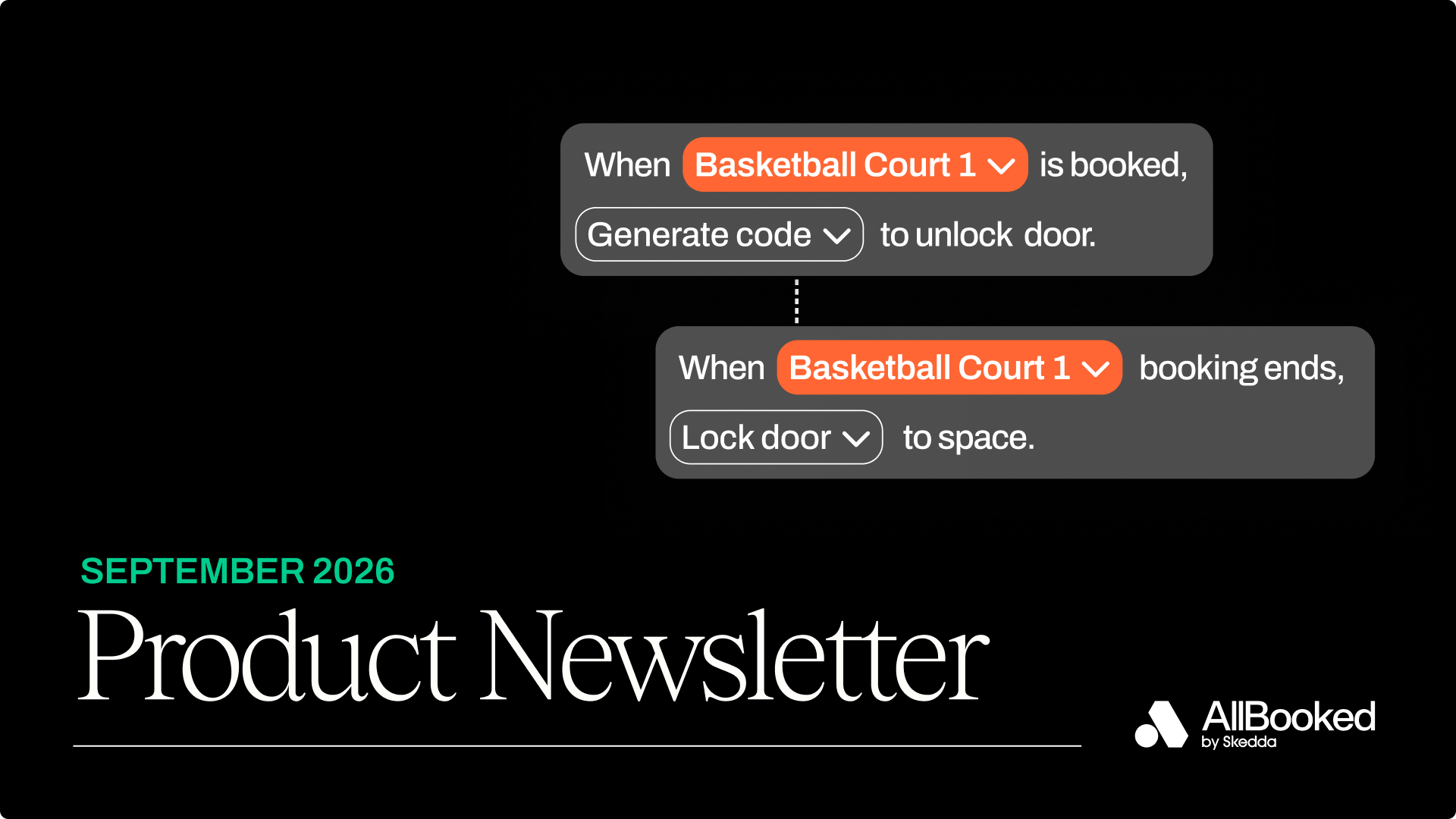
Whether you're running an indoor golf venue, a batting cage, or a coworking space, the best operations are the ones that run themselves. Customers get in when they've booked, your data goes where you need it, and seasonal programs end on schedule without anyone cancelling memberships by hand.
This month's update gives you three new tools for that. You can now connect your smart locks so every booking comes with its own access code, pull your booking data into other tools with the AllBooked API, and set one end date for seasonal or term-based memberships. We're also opening early access to two features we'd like your feedback on: Events and Credit Packages.
Here’s what we’ve built this month:
Let your bookings unlock the door with Access Controls
Running an unstaffed space means someone still has to manage who gets in and when. Until now, that meant giving everyone the same static code, sending codes out by hand, or piecing together a Zapier workaround.Now AllBooked connects directly to your smart locks.
From Integrations → Seam, connect your lock account and link each device to a space. When a customer books, AllBooked generates a unique PIN, the credentials are programmatically authenticated, and an email with the PIN is sent to the end user. If the booking changes, the code updates. If it's cancelled, the code is removed. When the booking ends, the code stops working.
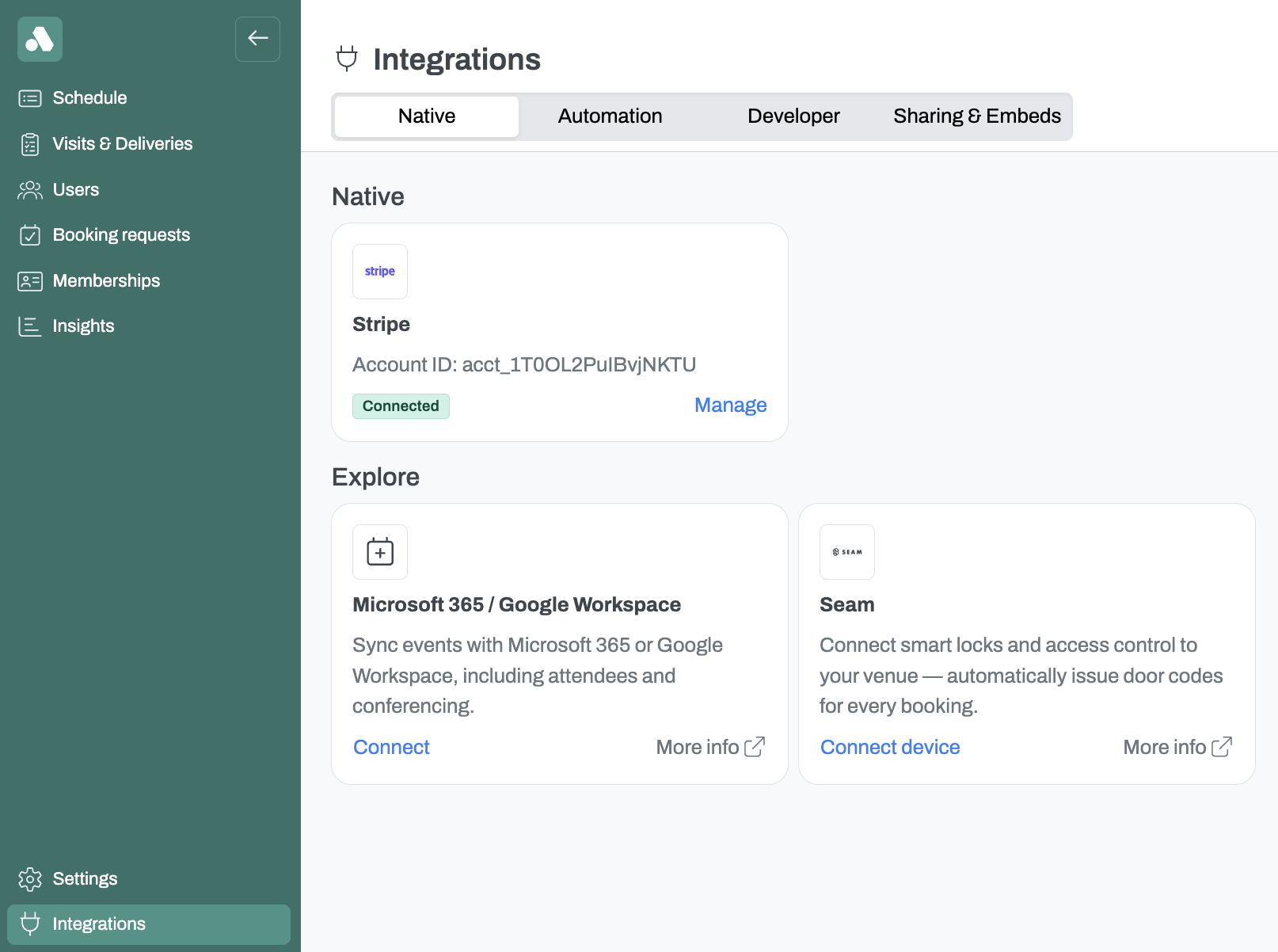
Example: A 24/7 golf simulator venue links a lock to each bay. A customer books a 9pm session, gets their code by email, and lets themselves in with no staff on-site.
Note: Access Controls works with keypad smart locks that support PIN codes (see compatible devices). Codes are delivered by email and aren't generated for recurring bookings yet.
(Access Controls is available as an add-on. Reach out to our team to get it set up.)
Connect your booking data to the tools you already use
Getting booking data out of AllBooked used to mean exporting a spreadsheet and cleaning it up by hand. The AllBooked API gives you a direct connection.
From Integrations → Developer, admins can now create API keys. Your developers use the key to pull booking data, filtered by date, space, or booker, straight into BI tools like Looker, Tableau, or Power BI, or into your own internal systems. The full documentation can be found here.
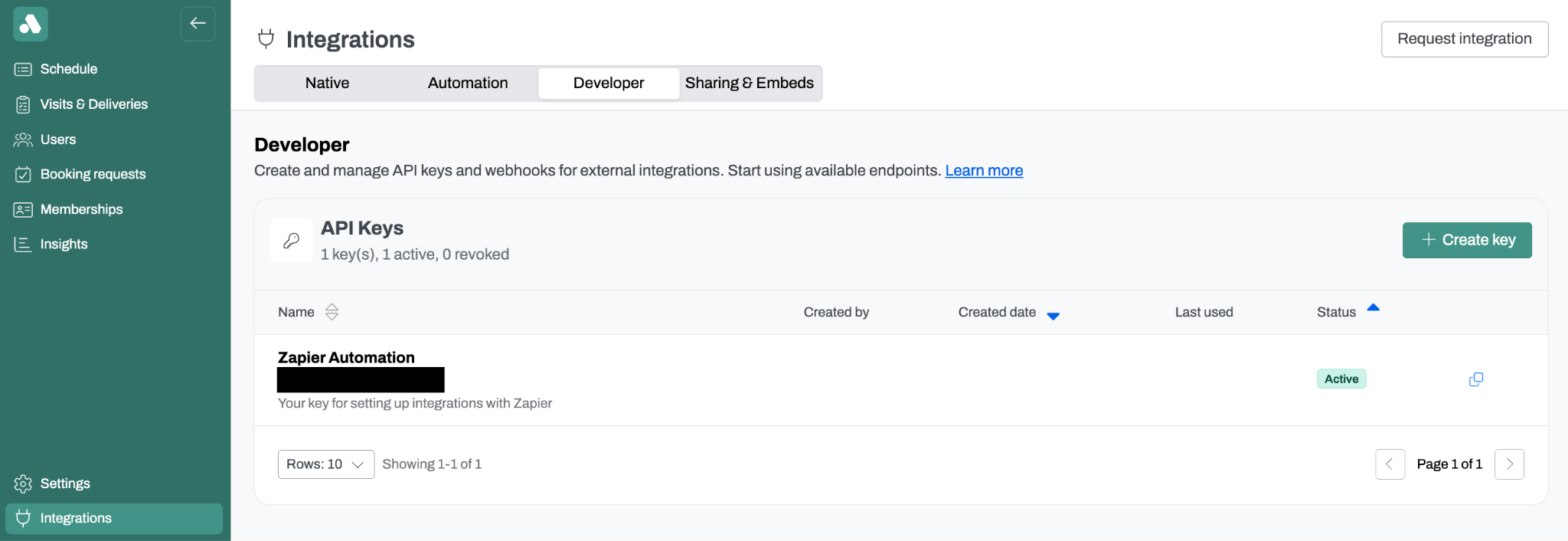
Example: A multi-location coworking operator sends its booking data into Power BI every night, so leadership sees bookings next to revenue and membership numbers without asking for an export.
Note: The API is in beta and read-only. It returns confirmed bookings and your list of spaces. Your integration requests data on a schedule or on demand, with each request covering up to 31 days. Someone on your team, or a developer partner, will need to build the integration. See our getting started guide for setup.
(The AllBooked API is available on the AllBooked Advanced plan)
Set one end date for seasonal memberships
Leagues, school terms, and fixed-length programs all have a natural end date. Until now, wrapping them up meant cancelling each membership yourself. Now you can give a membership plan a fixed end date.
From Settings → Memberships, create a plan (or edit one with no active subscribers), choose Ends on a set date under Duration, and pick the last day. Everyone on the plan finishes together, billing stops automatically, and the plan shows "Ends [date]" in your Memberships table and on customer-facing pages.
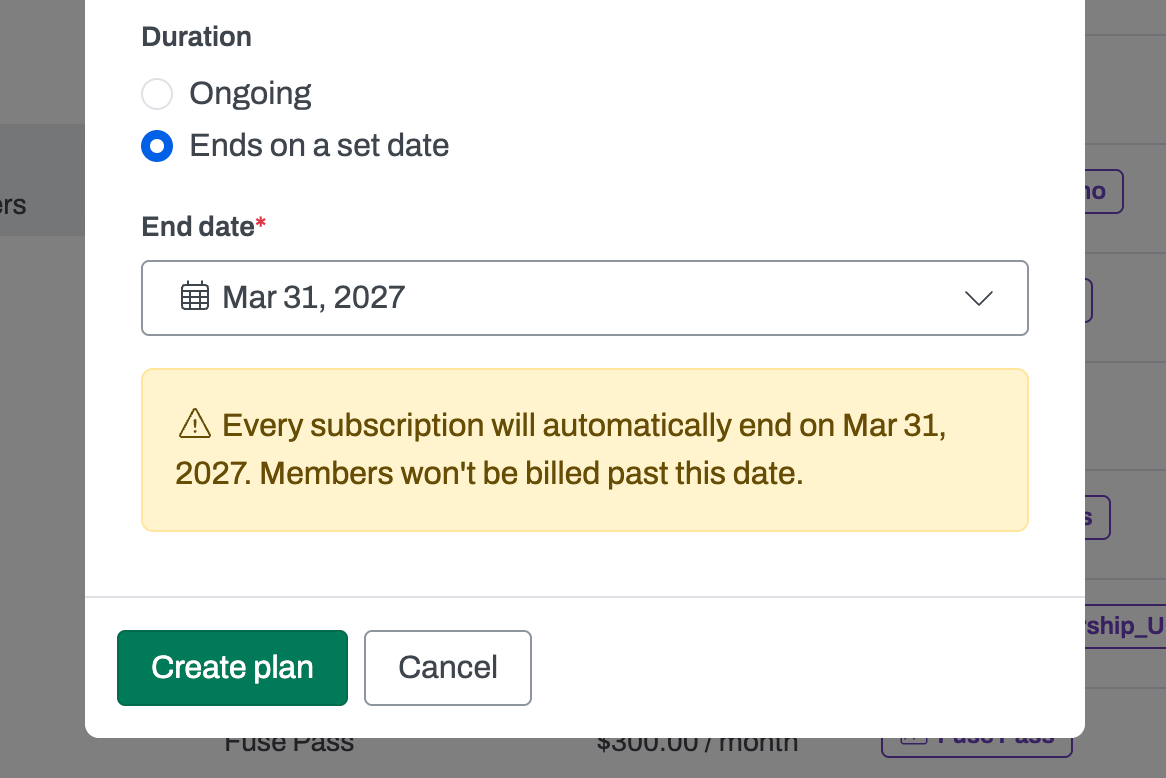
Example: A batting cage sells a "Spring Season Pass" that ends May 31. Members who join in March and members who join in April all finish on the same day, and anyone joining during the final billing period pays a prorated amount at checkout.
Note: The end date locks once the first member subscribes. New sign-ups close 48 hours before the end date, and members keep access through the end of the last day in your venue's time zone. Learn more.
(Membership end dates are rolling out now to venues on the AllBooked Advanced plan)
Ask us how you can try these new features out
Sign in to your AllBooked account to try Access Controls, the AllBooked API, and membership end dates today. If you have any questions, reach out to our team at info@allbooked.com.